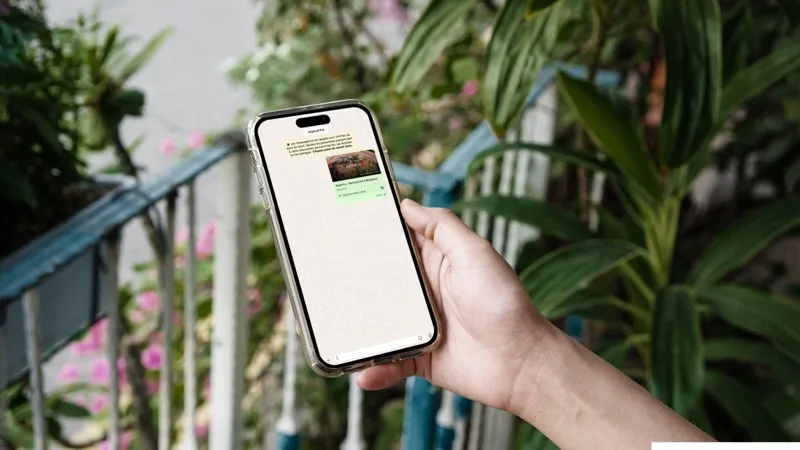
When a happy customer shares your restaurant’s website on WhatsApp — to friends, to a group chat — what appears on their screen can be the difference between a click and a message that gets ignored.
On a properly configured site, a clean visual card appears automatically: your photo, your name, a short description. On a poorly configured — or unconfigured — site, it is a grey box with a plain URL. That difference is immediate and visible to everyone who receives the message.
What your customer sees when they share your link
Picture a satisfied customer who just had dinner at your restaurant. They send your website to their colleagues on WhatsApp to recommend the place. Two possible outcomes:
Outcome A — a professional preview appears: your dining room or food photo, your restaurant name in bold, and a one-line description. Their colleagues click without thinking twice.
Outcome B — a grey rectangle appears with the URL in plain text, sometimes accompanied by a generic icon or the logo of whatever platform hosts your site. Nobody clicks on something that does not look trustworthy.
This happens on Facebook Messenger, iMessage, Telegram, LinkedIn, Twitter/X — the logic is identical on all of them. Each platform reads hidden information embedded in your site’s code to build that card. If that information is missing or incorrectly formatted, nothing shows up properly.
Why most restaurant websites fail this test
Configuring a correct link preview is not something you do from a standard website editor. It requires adding specific technical tags to the source code of every page, providing an image in exact dimensions (1,200 × 630 pixels), and making sure each platform reads those tags correctly.
It is a technical task that requires real web expertise — not something you set up by checking a box in a settings panel. As a result, a large proportion of restaurant websites, even recent and visually polished ones, miss this entirely.
What the common alternatives do
Online menu platforms (Eatbu, Zenchef, Sunday…) do not create a website in your name — they host your menu on their domain. When someone shares the link, their logo and their image appear, not yours. Your restaurant takes a back seat.
Wix and Squarespace technically support the configuration of these tags, but it is buried in advanced settings that only someone who knows what they are looking for will find. Without that step, a Wix site defaults to a generic image or the Wix logo in the preview — not exactly the professional image you want to project.
A web agency can configure it correctly — as long as you specifically ask for it and verify that it was done. It is one of those steps that gets skipped in projects with tight budgets or tight timelines.
What Resto1Click does from the moment you publish
On Resto1Click, the link preview is generated automatically from your actual content:
- The photo: your main image, cropped and optimised to the right dimensions
- The title: your restaurant’s name The description: generated from your information (cuisine type, city)
The result is live and working the moment you publish your site — no settings to adjust, nothing to configure. The same card displays on WhatsApp, Facebook Messenger, iMessage, LinkedIn, and every other platform that supports this standard.
This feature is active on every plan, including the free plan.
Why this matters more than it seems
The link preview is your digital business card inside conversations. Every time a customer recommends your restaurant by sharing your URL, that preview is the first thing people who don’t know you yet will see.
An empty or generic preview weakens every word-of-mouth recommendation. A preview with your real photo and your real name turns a shared link into an invitation.
Most restaurant owners don’t even know this feature exists — let alone whether their site handles it. Yet it is one of the simplest things to get right, and one of the most visible to your customers.
To learn more about the other technical details Resto1Click handles automatically, read our article on what Google actually sees on your restaurant website.